

AI assistant software for Mac and Windows
Your AI team, at work on your own computer.
BusyBird is a desktop app where a team of AI bots works through your tasks, led by Owlie the owl. Watch them work in an animated office, then answer them and approve their next step from your phone.
What BusyBird does
Hand off work the way you would to people.
Build your team
Give each bot a role, an AI model and the tools it needs. You connect your own AI accounts, so the bots work under your plans and keys.
Hand off the work
Message one bot, or tell Owlie and let it pass the task to the right one. Set routines for work that repeats, like a morning brief.
Answer and approve
Bots ask before sensitive steps. Allow once, always allow, or deny, from your computer or from your phone.
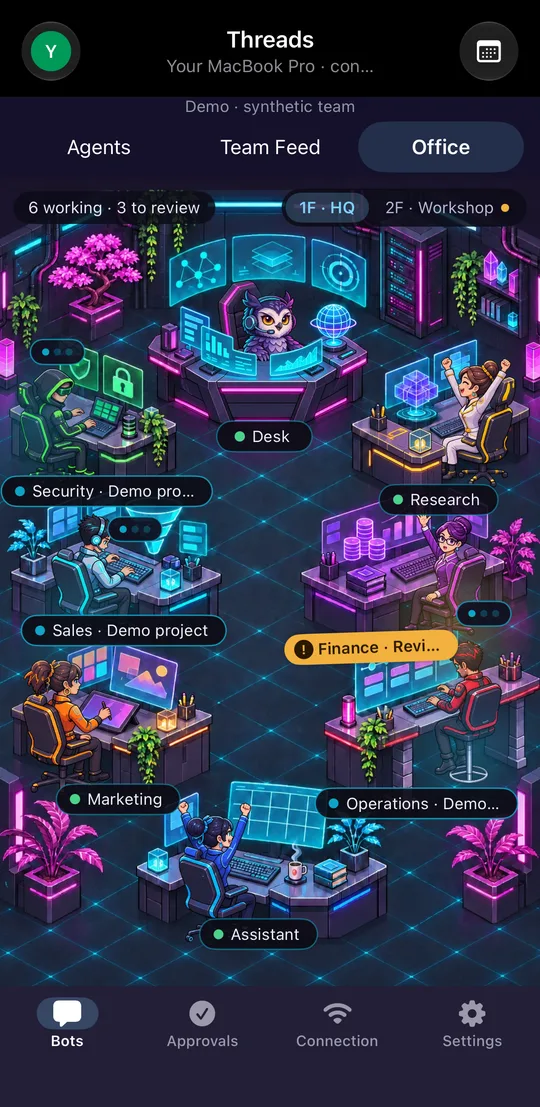
The Office
See who is working, who is waiting for you, and who is done.
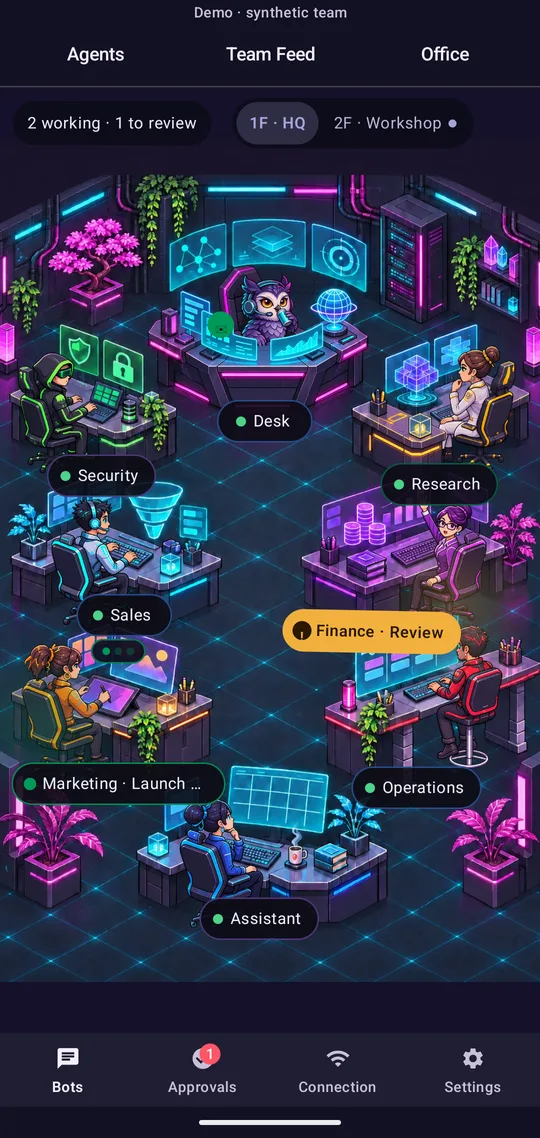
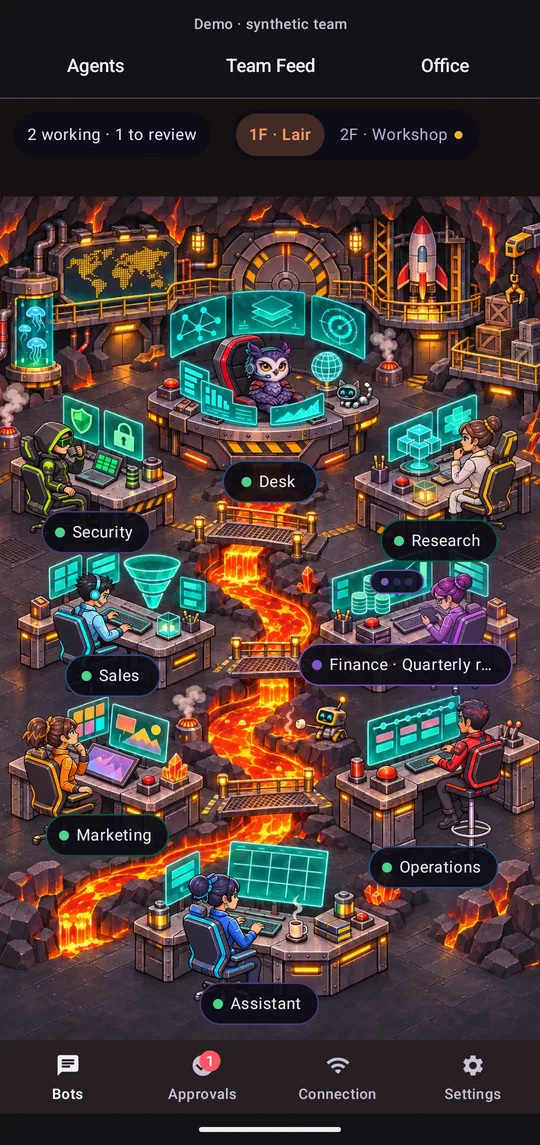
Every bot has a desk. The Office shows your whole team at a glance: typing, thinking, waiting on you or finished. Pick the look you like.
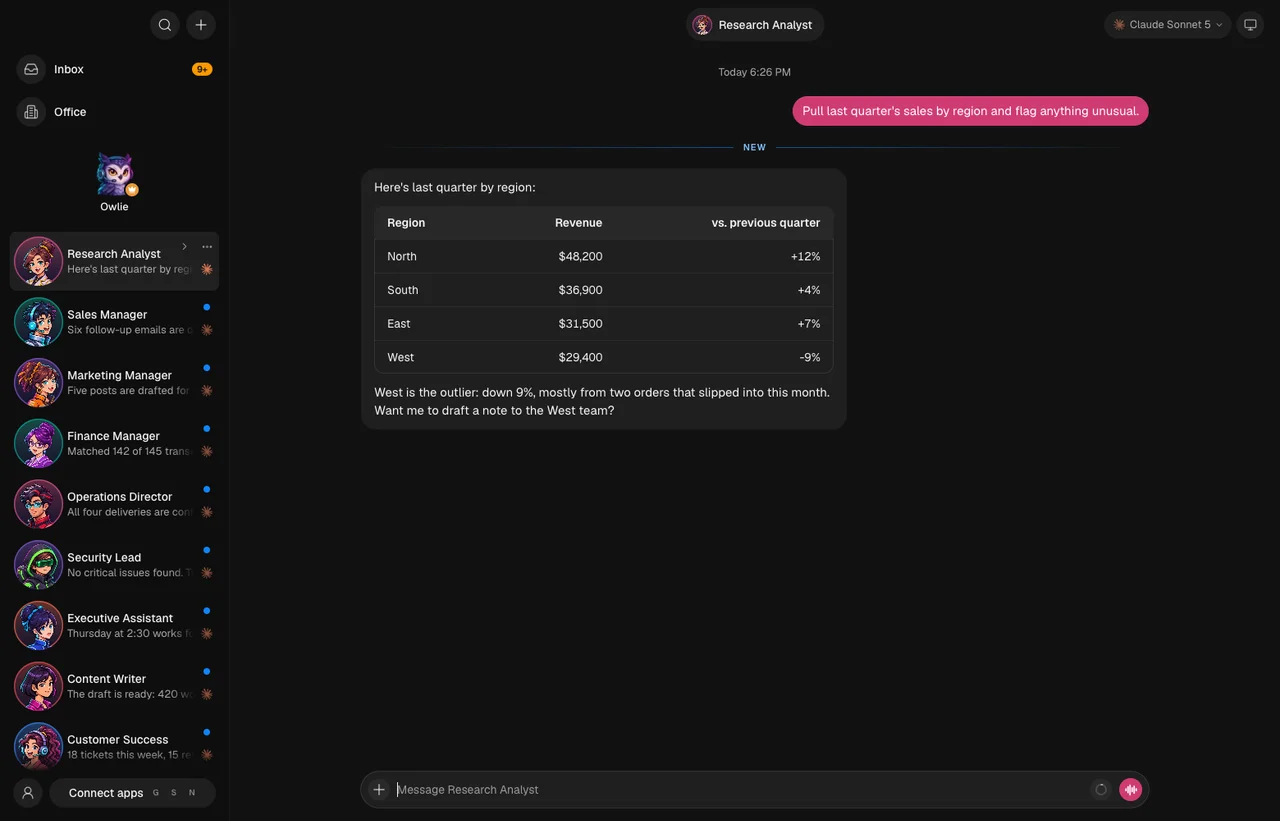
- Desktop · your whole team
- The Office · Cyberpunk
- The Office · Volcano Lair
- The Office on iPhone
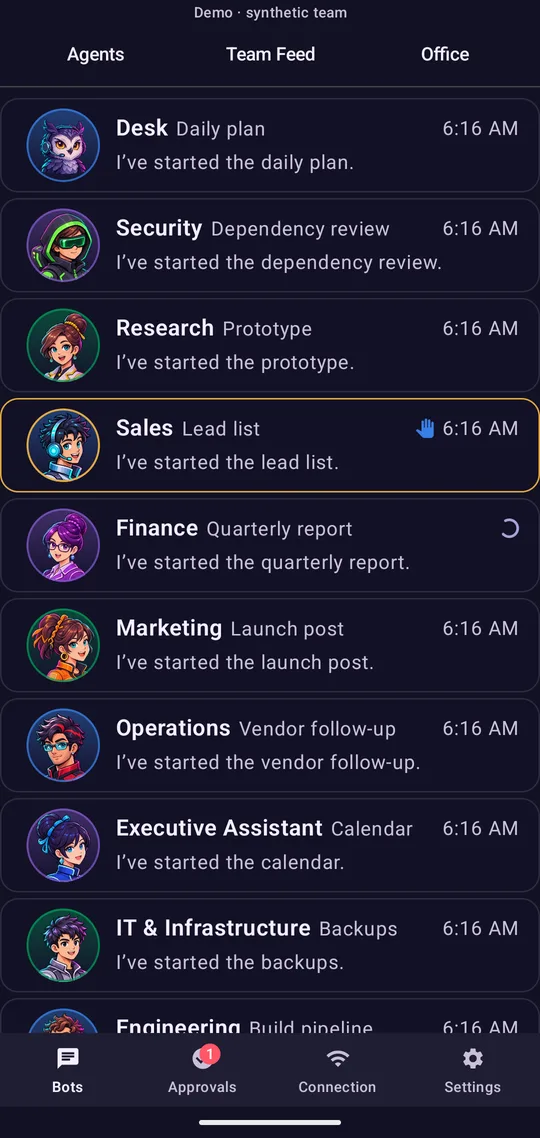
- Your team on Android
Screens are from development builds running a demo team. No real accounts or data.
5 office themes, two floors, sixteen desks
 Cyberpunk
 Greenhouse
 Orbital
 Volcano Lair
 Sky Harbor

The bot team
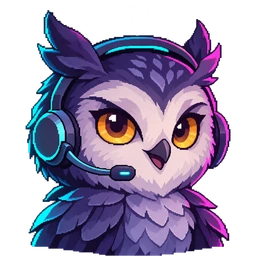
Meet Owlie, your Chief of Staff.
Owlie is the helper every BusyBird workspace starts with. It answers questions about the app and has a Chief of Staff's powers over your other bots: task it with anything and it makes sure the work reaches the right bot.
- Research
- Writing
- Sales follow-up
- Marketing
- Finance
- Operations
- Security
- Scheduling
- Code and builds
Roles are examples. You decide which bots you have and what each one may do.
Phone apps
Check in, answer and approve from your phone.
The phone apps are free companions to the desktop app. Pair once with a QR code, then your team is in your pocket.
- See the Office, your bots and the Team Feed.
- Chat with any bot and dictate messages.
- Answer approval requests: Allow once, Always allow, or Deny.
- Take control of a bot's browser when it needs a hand.
- Share links, text, photos and documents to a bot from other apps.
- The Office on iPhone
- Your team on Android
- The Office · Cyberpunk
Privacy and security
Your work stays on your computer.
It runs on your computer
Your bots, chats, files and AI keys stay on your own computer, not on our servers.
Your own AI accounts
Bots talk directly to the AI services you connect. Your prompts and replies never pass through us.
End-to-end encrypted phone link
Your phone and computer encrypt everything between them, on every route. Nobody in the middle can read it.
Platforms
Mac and Windows, with iPhone and Android companions.
Free 14-day trial · pricing announced at launch.
- Coming soon
Mac
The desktop app, where your bots live and work.
- Requires
- Apple silicon or Intel Mac
- Version
- Announced at release
- Size
- Announced at release
- Coming soon
Windows
The desktop app, where your bots live and work.
- Requires
- 64-bit Windows (x64)
- Version
- Announced at release
- Size
- Announced at release
- Coming soon
iPhone and iPad
Free companion to the desktop app. Listed as “BusyBird: AI Office”.
- Requires
- iOS 16 or later
- Version
- Announced at release
- Size
- Announced at release
- Coming soon
Android
Free companion to the desktop app. Listed as “BusyBird: AI Office”.
- Requires
- Android 8.0 or later
- Version
- Announced at release
- Size
- Announced at release
Questions
Quick answers
Is BusyBird available yet?
Not yet. BusyBird is in development for Mac, Windows, iPhone and Android. The download page will turn on as each platform is released.
What will it cost?
Prices are announced at launch. The desktop app starts with a free 14-day trial. The phone apps are free and have nothing to buy inside them.
Do I need my own AI account?
Yes. BusyBird's bots use the AI services you connect, such as a Claude or ChatGPT plan or an API key. BusyBird does not resell AI usage, and your provider's own terms and charges apply.
Where is my data kept?
On your computer. Your bots, chats, files, settings and AI keys are stored in BusyBird's folder in your home folder. See Security.
Owlie is getting the office ready.
BusyBird is in development for Mac, Windows, iPhone and Android. Free 14-day trial · pricing announced at launch.